

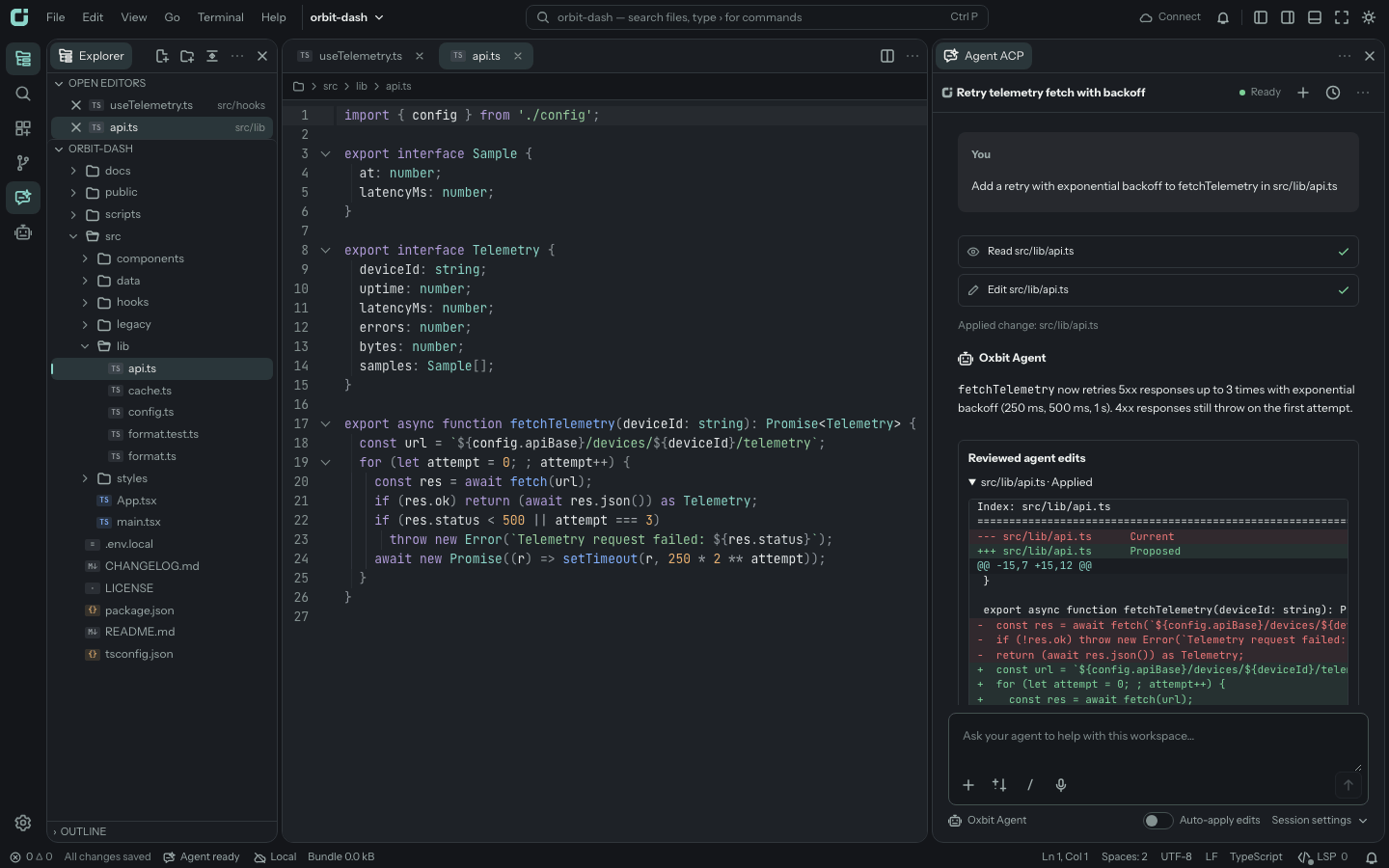
Browser and CLI
Run oxbit on your computer to serve the editor and connect it to your files. Browser workspaces also store files and drafts locally in IndexedDB and support directory access where the browser provides it.
Terminals, tasks, Git, and managed language servers use a trusted runtime connection.
Install the CLI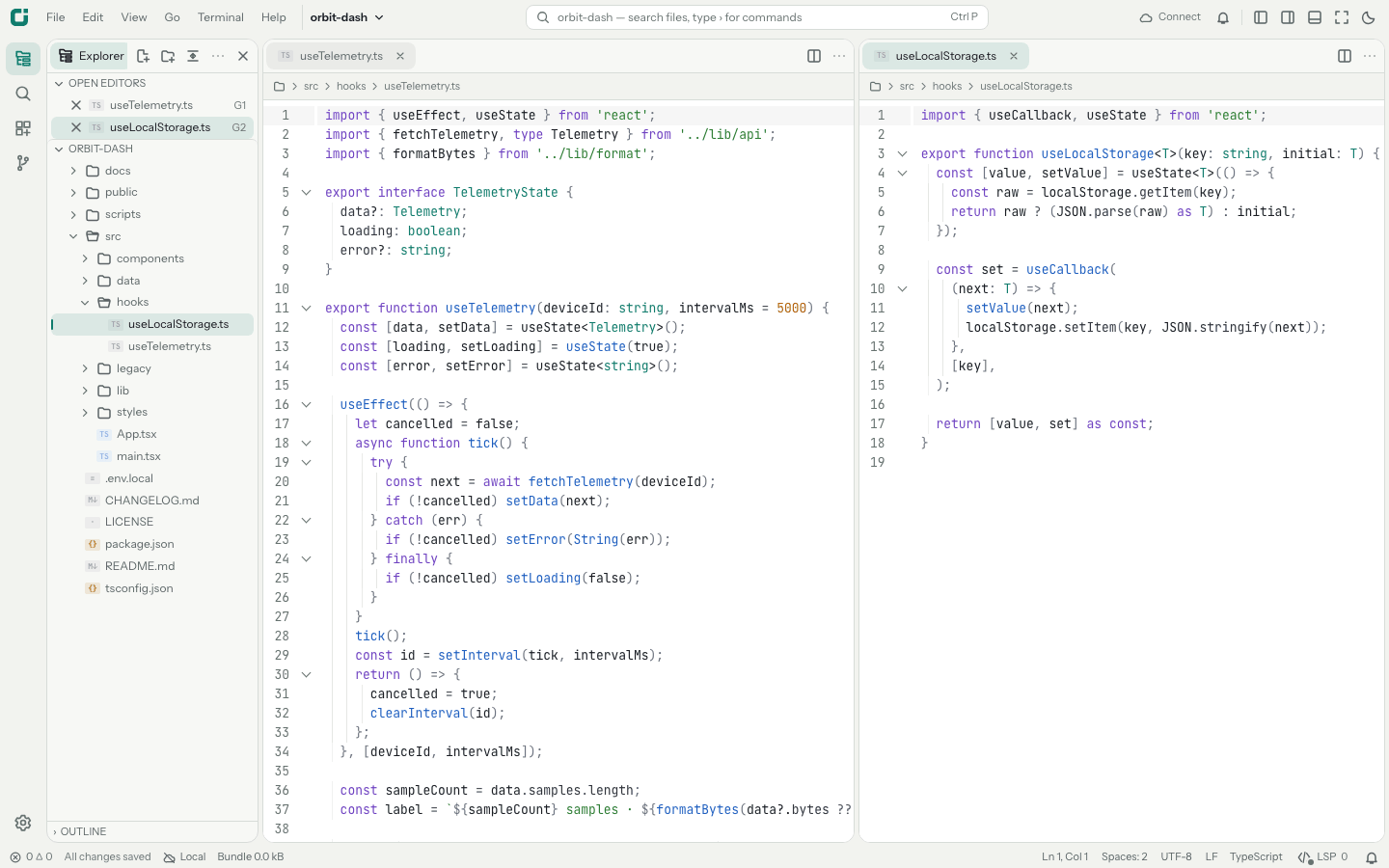
macOS and Linux
The Tauri app bundles Node, ripgrep, the terminal addon, managed language services, and Oxbit Agent CLI. Connect over SSH to work in a remote folder.
Requires: an Apple Silicon Mac with macOS 26 or later, or Ubuntu 24.04 or later on x64 or arm64.
Download desktop installers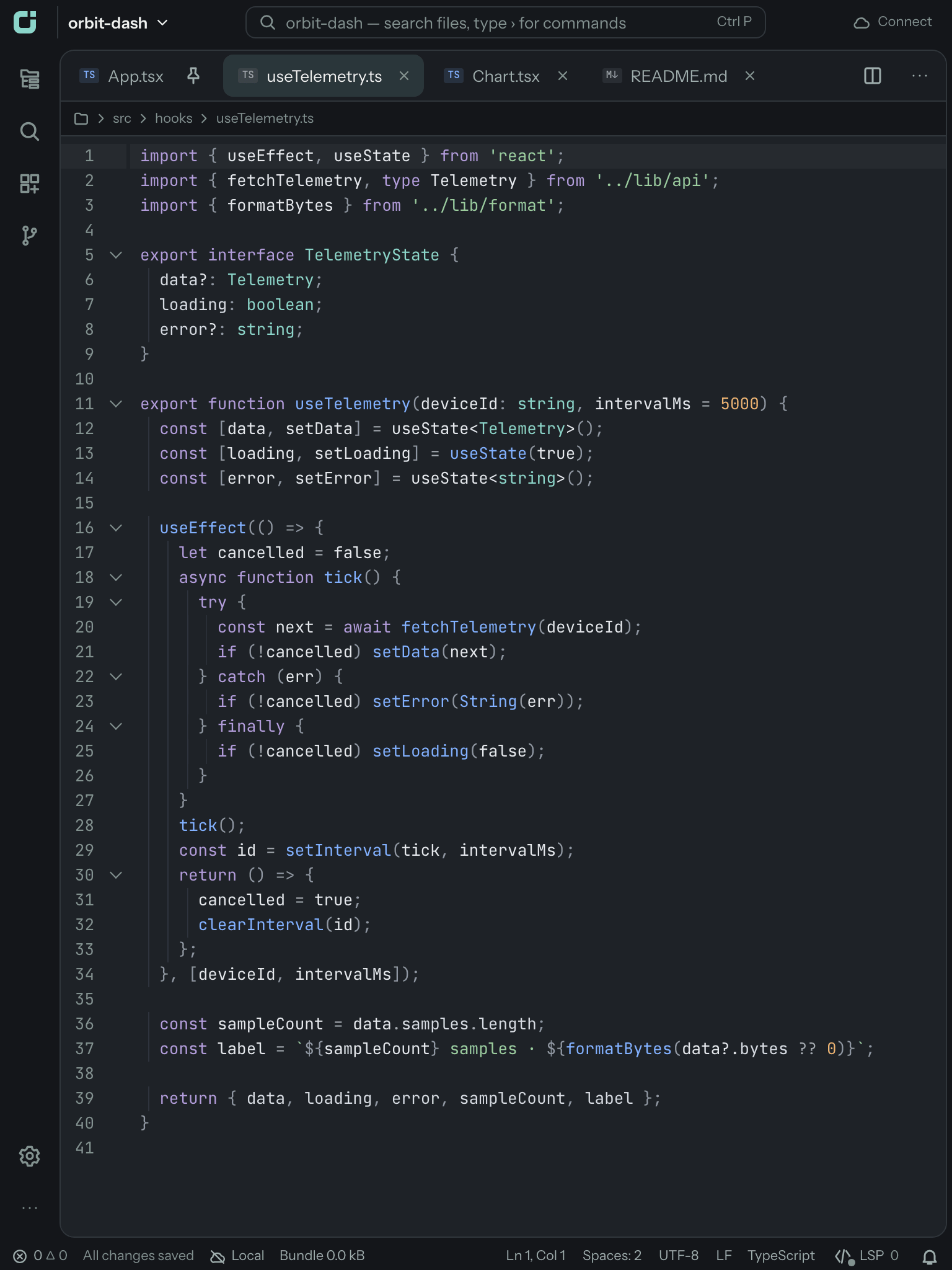
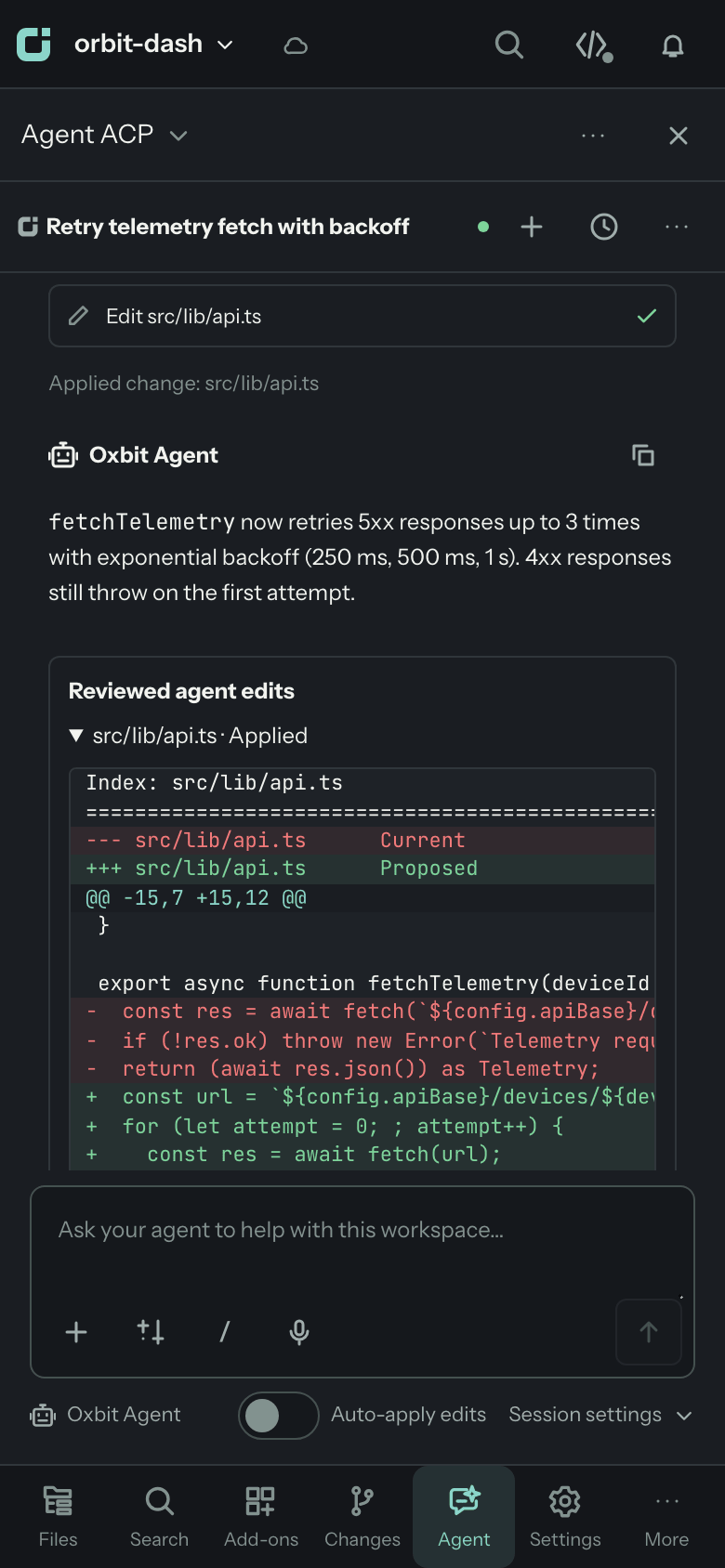
iPhone and iPad (beta)
Edit the app’s Documents folder or folders selected through Files. Git, language services, and Oxbit Agent run on the device. Connect to a computer runtime for terminals and tasks, or use SSH and SFTP for remote work.
Requires: iOS 26 or iPadOS 26 or later. Distribution is through TestFlight.
Join the TestFlight betaRemote workspaces
Start a runtime on a computer you control and pair the editor using its code. Desktop SSH connections install the bundled headless runtime on supported Linux and macOS hosts without requiring Node or npm on the host.
The runtime binds to loopback by default. Network access and tool trust are separate setup decisions.
Read the SSH setup guideWhich setup fits your workflow?
| Workflow | Browser workspace | Desktop / runtime | iPhone / iPad |
|---|---|---|---|
| Edit files | Browser storage or directory access | Files on the runtime computer | Documents, Files, or remote folders |
| Terminals and tasks | Connect a runtime | Included after workspace trust | Connect a runtime |
| Coding agents | Connect a runtime | ACP agents and Oxbit Agent CLI | Oxbit Agent on device, or runtime agents |
| Source Control | Connect a runtime | Git on the runtime computer | Git on device, or runtime Git |
Model services receive the prompts and context used for AI features. See privacy for storage and connection details.